
The Only Sony FX3 Settings You Need in 2026: A Guide for Cinematic Editing
Table of Contents
The #1 Mistake: Recording vs. Editing
The "Editor-Friendly" Codec: XAVC S-I
Proxy Recording: The Ultimate Cheat Code
The Dual Base ISO Secret
S-Log3 vs. S-Cinetone
10-Bit 4:2:2: Why It's Non-Negotiable
The Cinematic Shutter Rule
The Ultimate Master Checklist
FAQ: Troubleshooting FX3 Settings
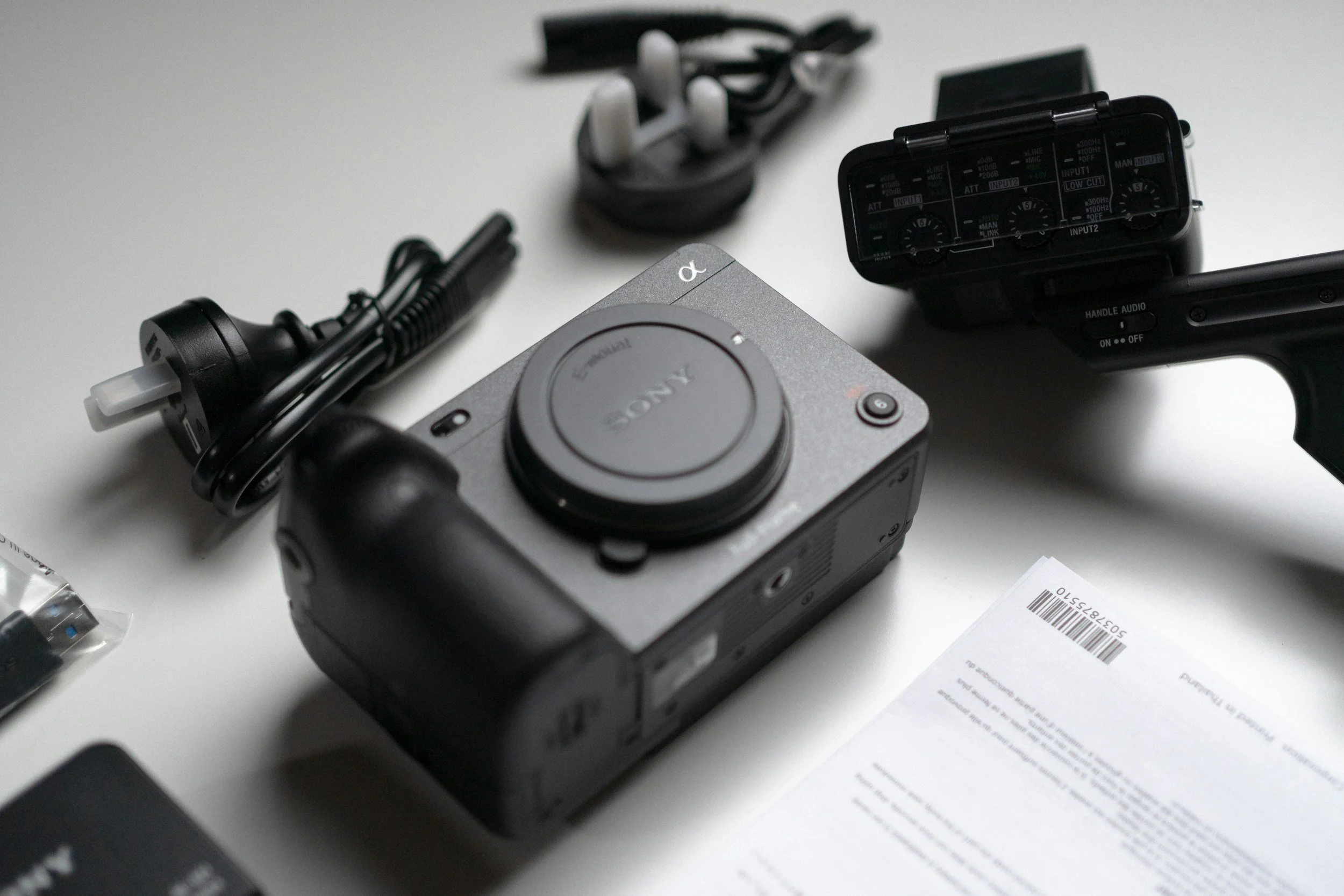
A flat lay of the Sony FX3 cinema camera body alongside its XLR audio handle and essential accessories, representing a beginner-friendly setup for shooting cinematic video with optimal FX3 camera settings and smooth post-production editing.
Let me paint a painfully familiar picture.
You get home after a great shoot. The lighting felt right. The compositions looked cinematic. You drop the footage into your editor… and everything falls apart.
The timeline lags. Playback stutters. Shadows crawl with noise. Colors fall apart the moment you touch contrast.
That’s not bad editing. That’s bad camera settings coming back to haunt you.
The Sony FX3 is a monster of a cinema camera… but only if you set it up in a way that respects your edit. This guide cuts through the technical noise and gives you the only FX3 settings you actually need to get clean, cinematic footage that edits smoothly in 2026.
No fluff. No menu diving for sport. Just what works.
The #1 Mistake New FX3 Owners Make: Optimizing for Storage, Not Speed
Sony gives you powerful options, but some of them are brutal on beginner computers. The goal isn’t JUST great footage; it’s footage that plays back cleanly and doesn't punish your CPU.
The “Editor-Friendly” Codec (XAVC S-I)
If you only change one FX3 setting, make it this: Use XAVC S-I (All-Intra).
Yes, the files are bigger. Yes, your cards will fill faster. But your computer will thank you.
Why XAVC S-I? It records every frame independently. Your CPU doesn't have to "decompress" complex math between frames.
Why avoid XAVC HS? XAVC HS (H.265) is a "Long-GOP" codec. It’s tiny, but it's an absolute CPU killer. Unless you have a $5,000 workstation, XAVC HS will make your editing experience miserable.
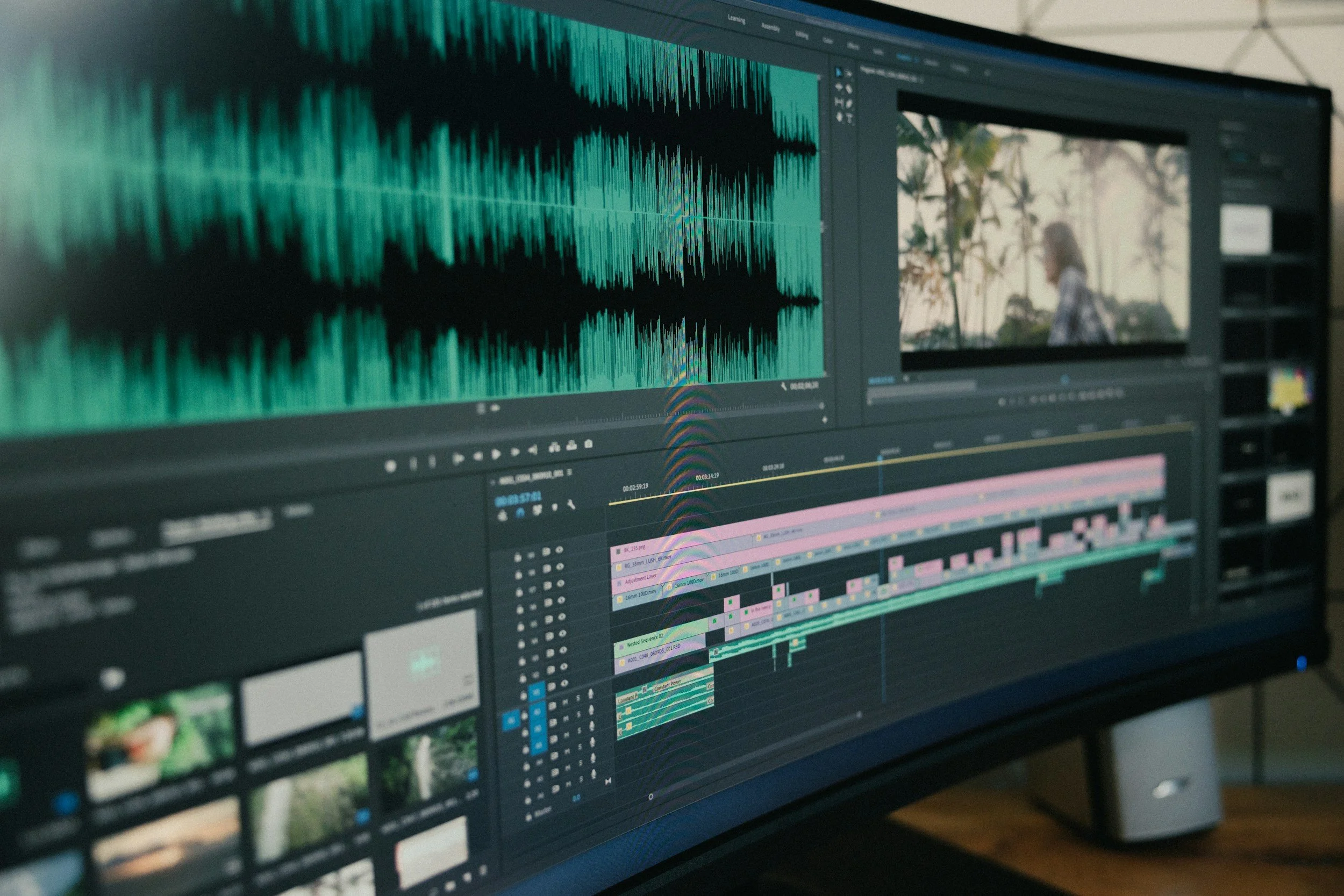
A wide monitor displaying a professional video editing timeline with layered audio waveforms and cinematic footage, illustrating the benefits of shooting Sony FX3 footage in 10-bit 4:2:2 for smooth playback, color grading, and post-production efficiency.
Proxy Recording: The Ultimate Cheat Code
In the Shooting > Image Quality > Proxy Settings menu, turn Proxy Recording ON.
Proxies are tiny, low-resolution versions of your footage created simultaneously while you record.
Edit using the lightweight proxy files.
Your computer feels like it's editing 1080p footage.
Premiere or Resolve automatically swaps them for the 4K originals when you hit "Export."
The Dual Base ISO Secret (And Why ISO 2,500 Is a Trap)
The FX3 is a low-light king because of its Dual Base ISO architecture. To get the cleanest image, you should almost exclusively use two numbers:
ISO 640: For bright, controlled environments.
ISO 12,800: For low-light or night shooting.
The Mistake: Shooting at ISO 2,500 because it "looks" okay on the screen. The Reality: At ISO 2,500, the camera is digitally boosting a noisy signal. If you jump to 12,800, the camera switches to its second high-sensitivity circuit, resulting in a cleaner image than 2,500.
S-Log3 vs. S-Cinetone: Be Honest With Yourself
Choosing a Picture Profile isn’t about what’s “pro”, it’s about your workflow.
S-Log3 (The "Colorist" Choice)
Best for: Maximum dynamic range and learning to color grade.
Warning: It looks gray and "ugly" out of the camera. You must use a LUT or grade it in post.
S-Cinetone (The "Fast Turnaround" Choice)
Best for: Beginners who want a "finished" cinematic look immediately.
Benefit: Beautiful skin tones and soft highlights with zero editing required.
10-Bit 4:2:2 is Non-Negotiable
If you want to edit your footage without the sky "banding" or the skin tones turning into digital mush, you must shoot in 10-bit.
8-bit: 256 shades of color.
10-bit: 1,024 shades of color. The FX3 is built for 10-bit. Never settle for 8-bit.
Shutter Speed & The 180-Degree Rule
To get that "dreamy" cinematic motion blur, your shutter speed should always be double your frame rate.
24fps → $1/48$ (or $1/50$) shutter
30fps → $1/60$ shutter
60fps → $1/120$ shutter
If you crank your shutter speed to $1/1000$ on a sunny day, your footage will look "staccato" and jittery—like a cheap action movie. Use ND filters to keep your shutter speed low!
The Ultimate Master Checklist: Best FX3 Settings for 2026
To wrap everything up, here is the exact setup you should use for 90% of your projects to ensure a smooth edit:
File Format: Set this to XAVC S-I 4K. It is the easiest for your editing software to process and ensures zero lag.
Movie Settings: Choose 24p at 10-bit 4:2:2. This is the industry standard bit depth that keeps your colors from "breaking" during the grade.
Log Shooting Mode: Use Cine EI with S-Log3. This unlocks the full 15+ stops of dynamic range the camera is famous for.
ISO Selection: Stick to 640 or 12,800. Avoid the "in-between" numbers to keep digital noise out of your shadows.
Proxy Recording: Keep this ON. This allows you to edit 4K footage on almost any laptop or tablet without crashing.
Focusing: Use AF-C (Wide). Sony's AI tracking in 2026 is faster and more reliable than manual focus for most beginner shots.
FAQ: Sony FX3 Settings for Beginners
Q: Why is my S-Log3 footage so grainy? A: You are likely under-exposing or using a non-base ISO. In S-Log3, try to "Expose to the Right" (ETTR) by +1.7 or +2.0 on your exposure meter.
Q: Can I use SD cards for XAVC S-I? A: You need V90 rated SD cards or CFexpress Type A cards to handle the high bitrates of All-Intra recording.
Q: Does the FX3 overheat in 2026? A: No. Thanks to the internal fan, the FX3 remains one of the most reliable cameras for long-form content.
Ready to Level Up Your Edit?
Great footage is only 50% of the battle. If you're ready to learn how to color grade this S-Log3 footage in DaVinci Resolve, check out our [Beginner's Guide to Color Grading].
What's the one setting you struggle with most on the FX3? Drop a comment below and let's figure it out!
